Nissan Silvia S13, S14 & S15 Wallpapers (4K, Free)
4 desktop 4K · 2 phone · free
Free Silvia wallpapers in true 4K covering every S-chassis: the S13, the S14 kouki, the S15, and the pop-up-headlight 180SX. Mountain passes, Daikoku at night and cherry blossoms.
Download an S13, S14 or S15 wallpaper for desktop or phone. 240SX fans, the S13 shots are for you.
Desktop · 3840 × 2160
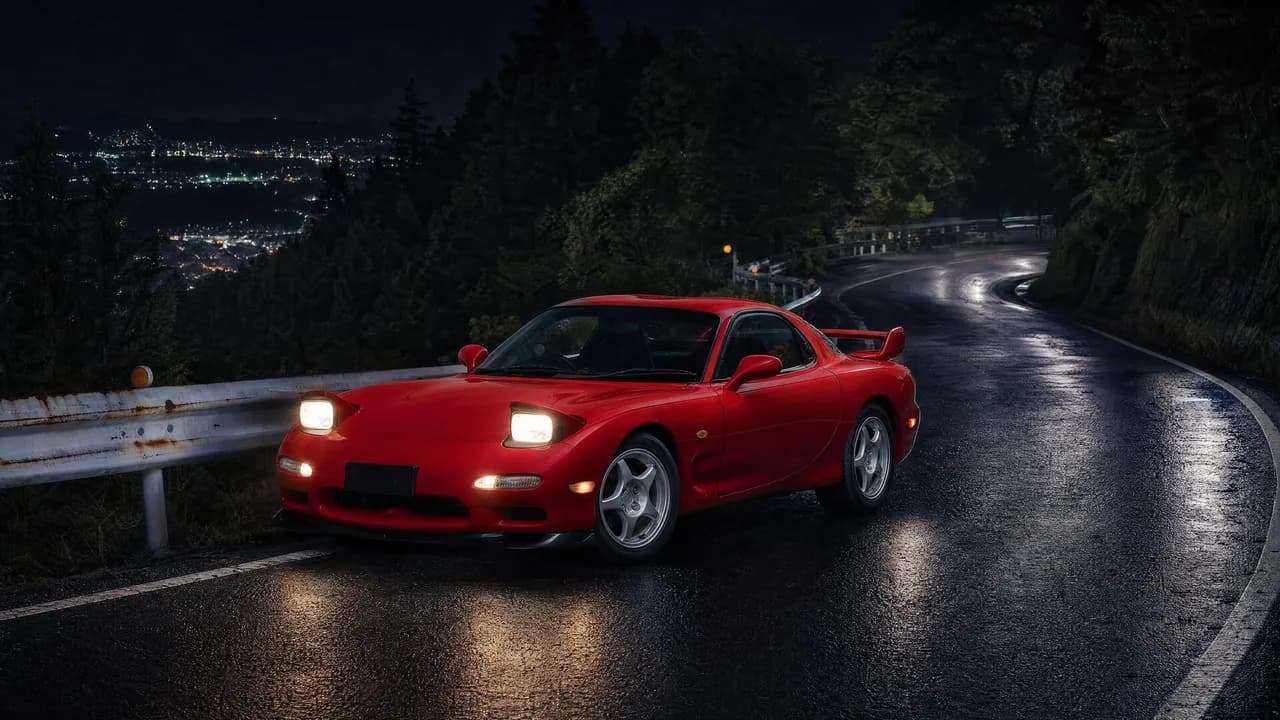
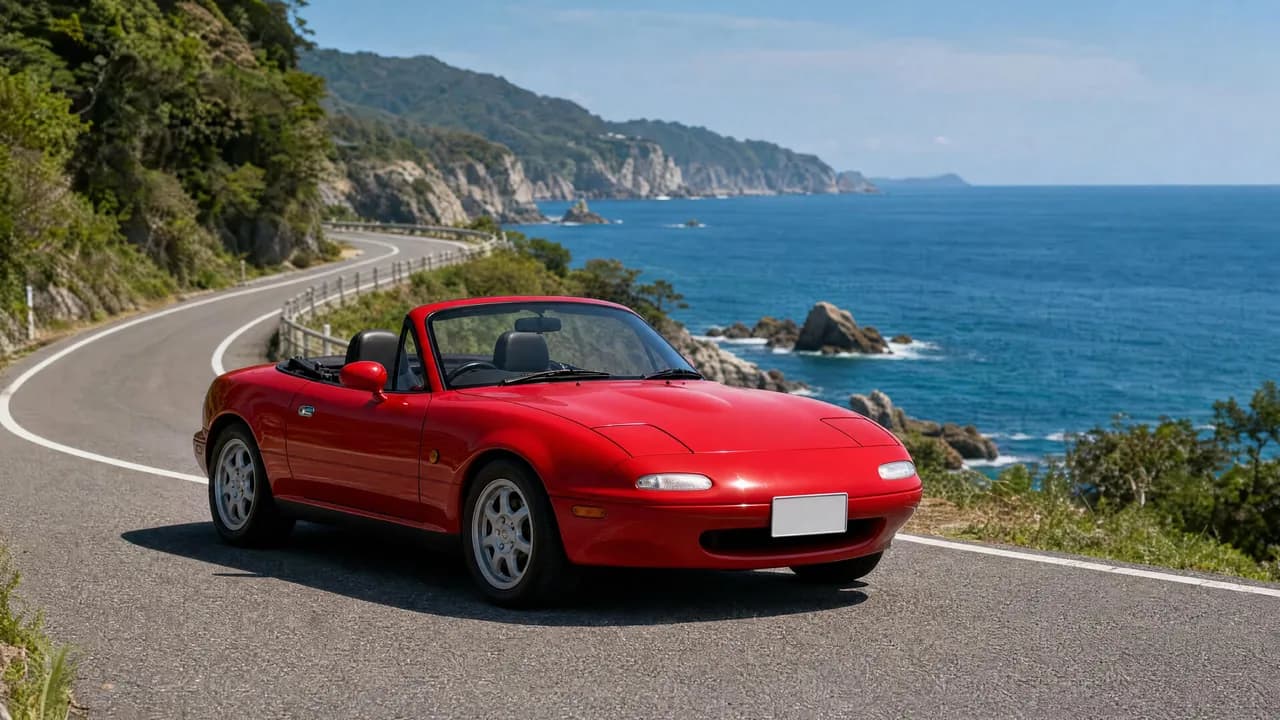
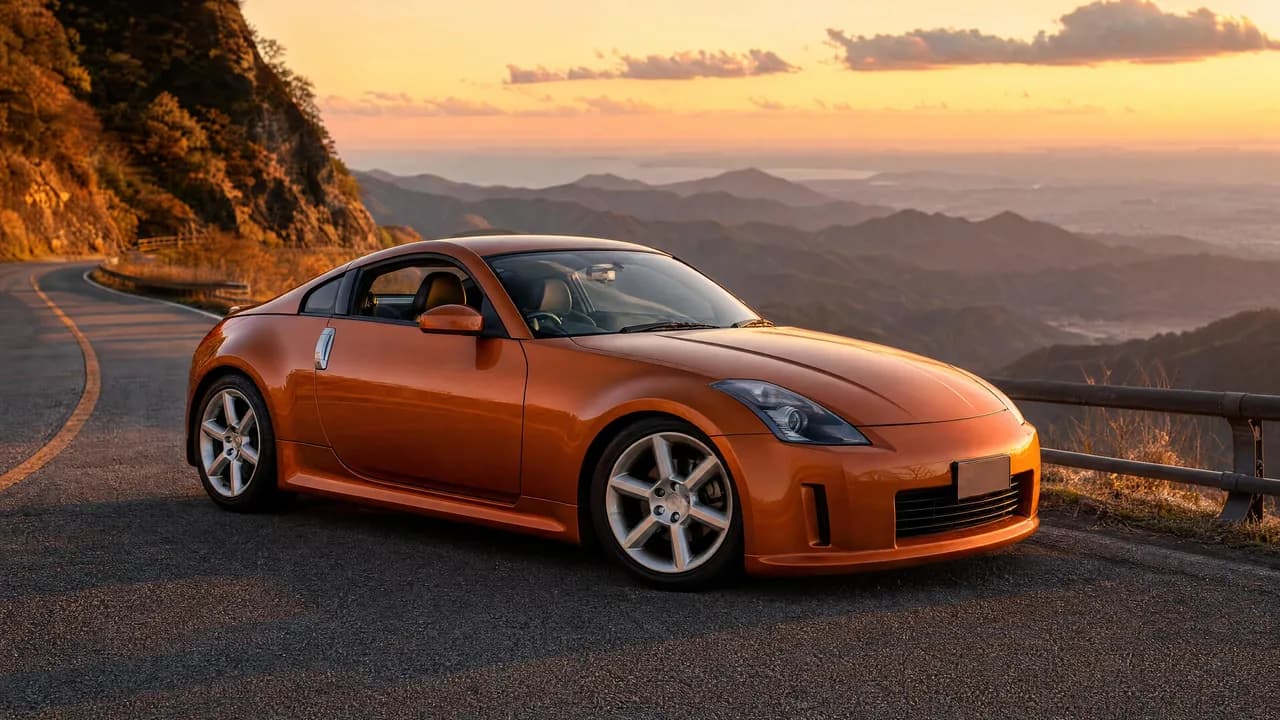
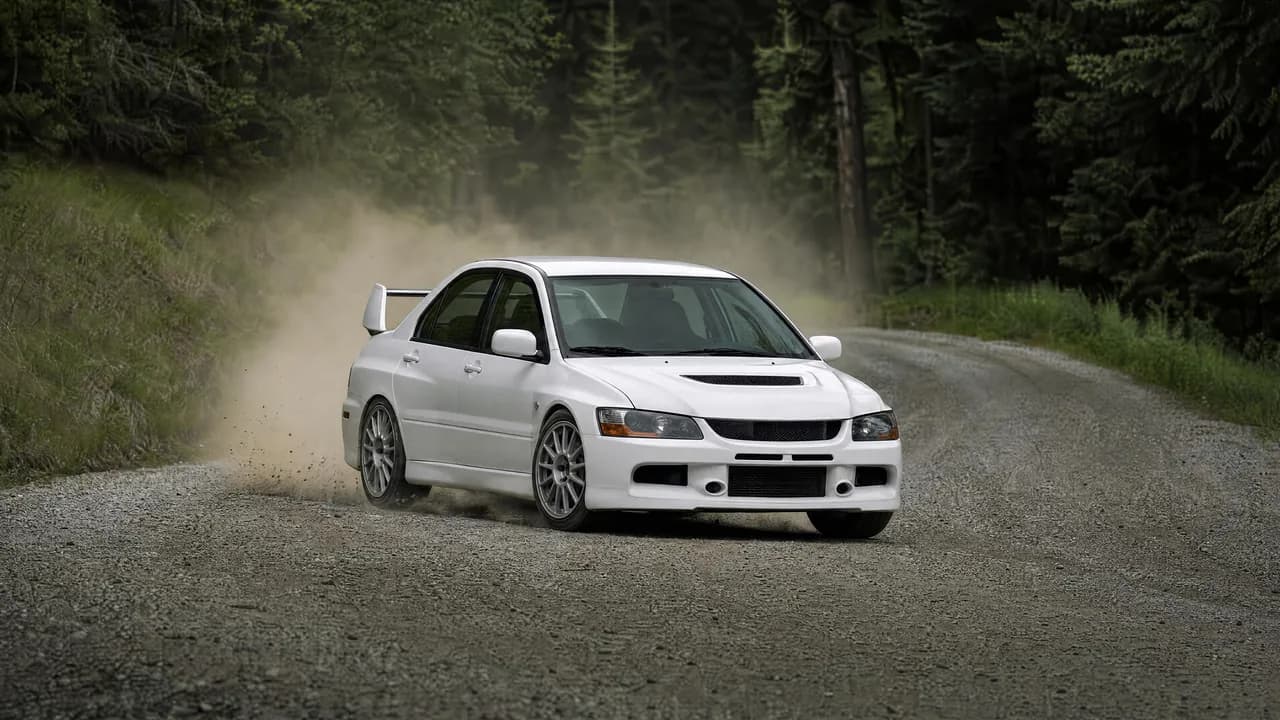
Nissan Silvia 4K desktop wallpapers
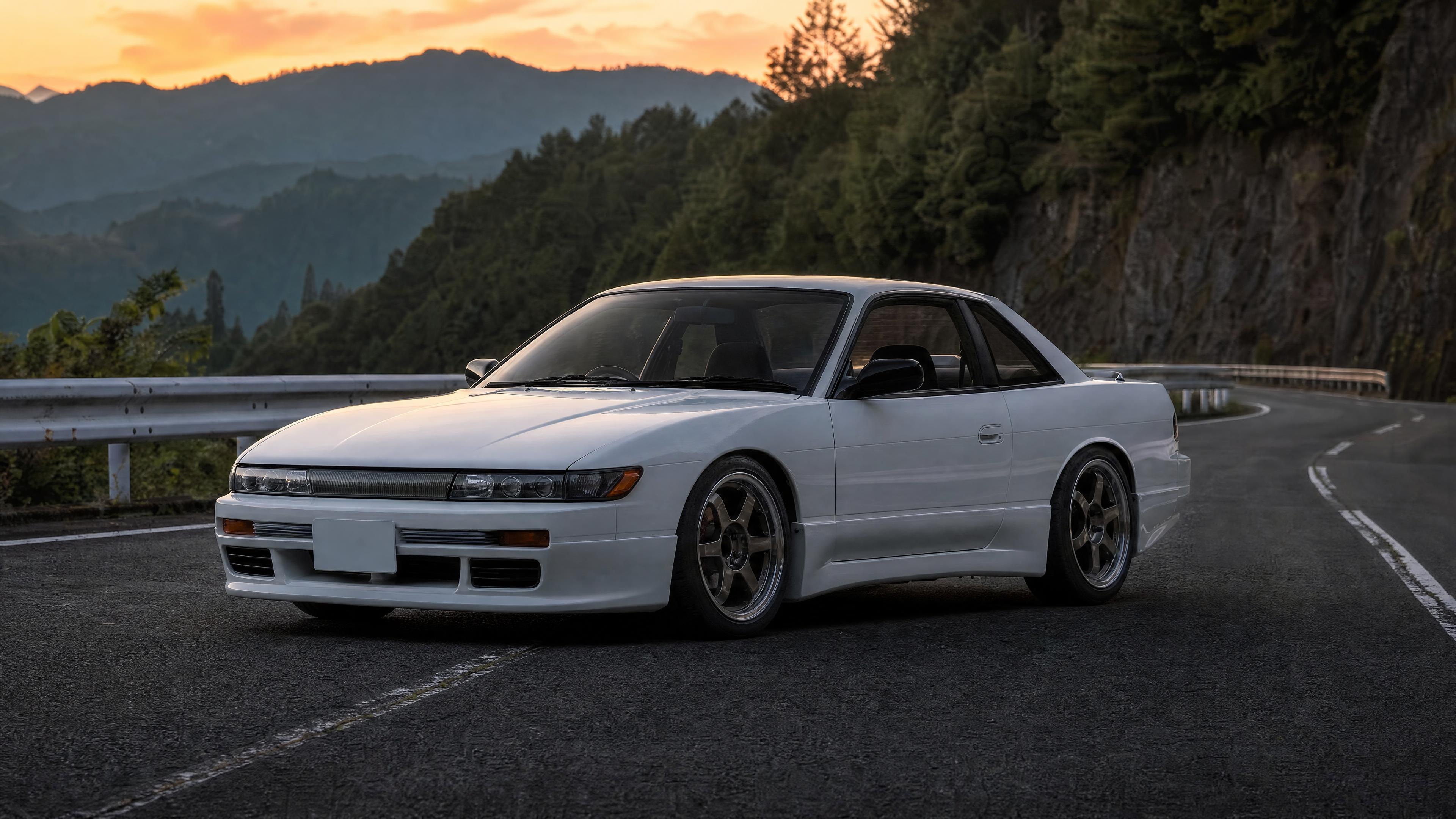
White Nissan Silvia S13 on a mountain pass
3840 × 2160 · 4K · JPG · 801 KB
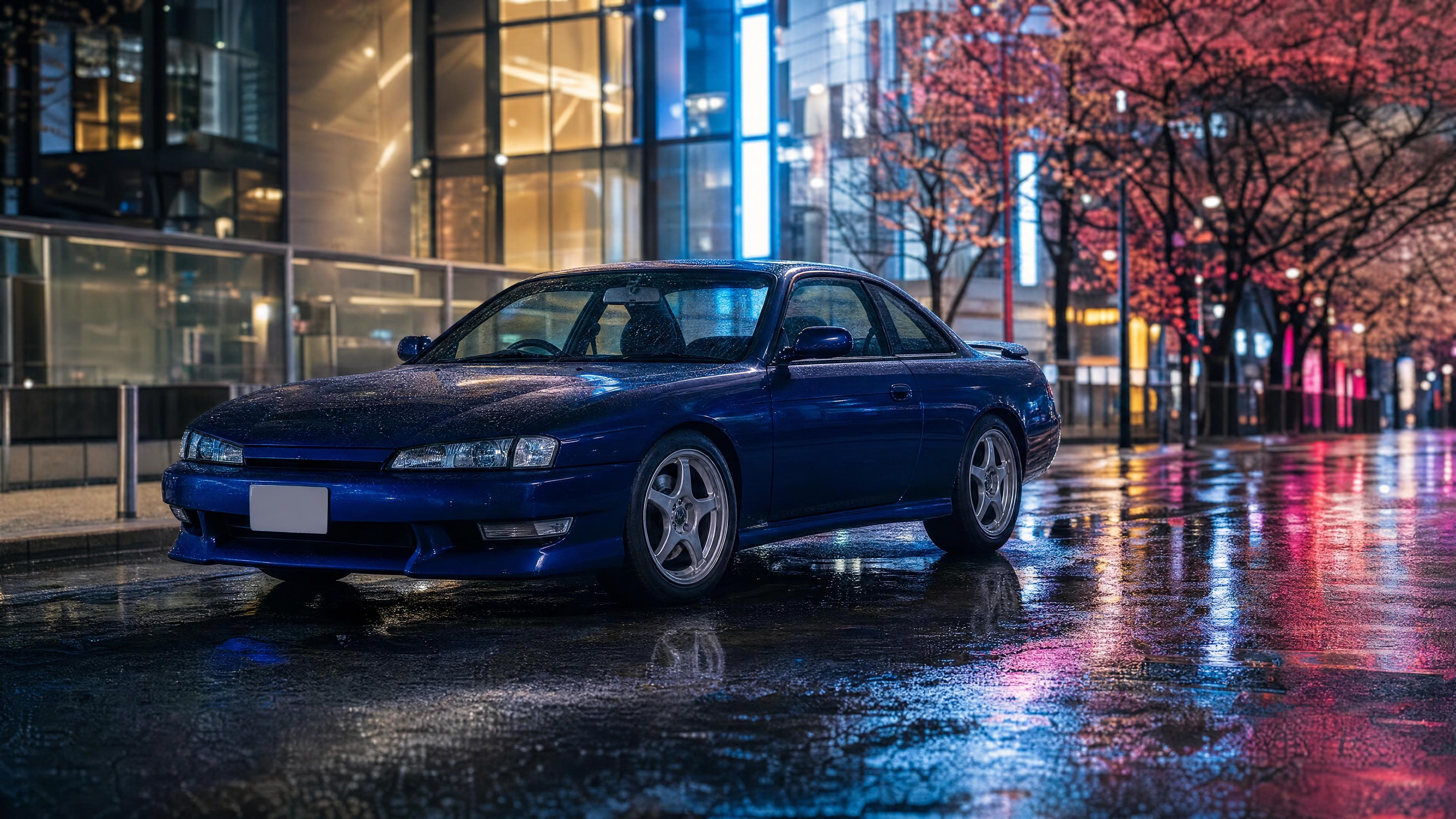
Dark blue Nissan Silvia S14 on a Tokyo street at night
3840 × 2160 · 4K · JPG · 1.1 MB
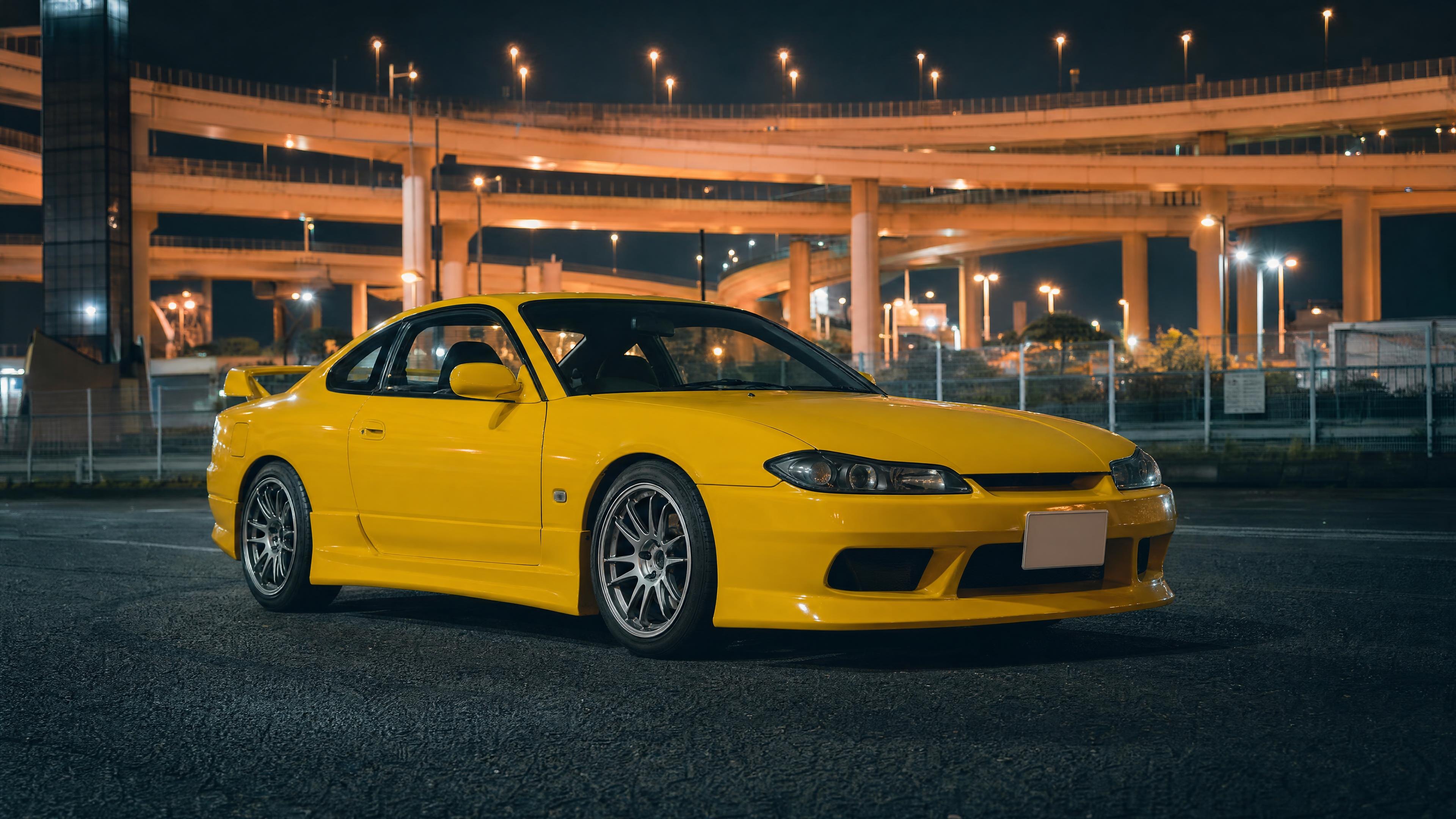
Yellow Nissan Silvia S15 at Daikoku parking area
3840 × 2160 · 4K · JPG · 814 KB
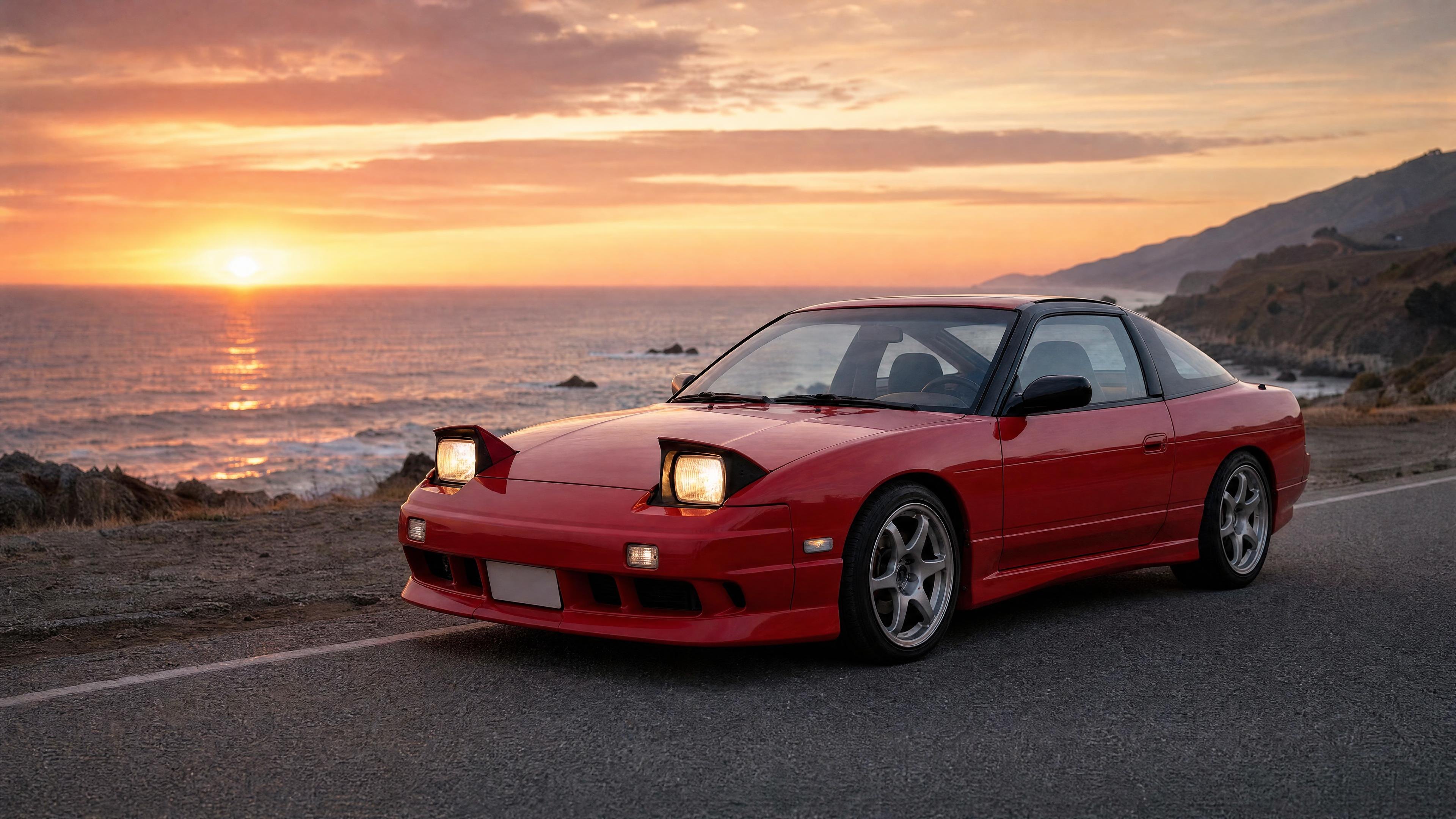
Red Nissan 180SX with pop-up headlights at sunset
3840 × 2160 · 4K · JPG · 816 KB
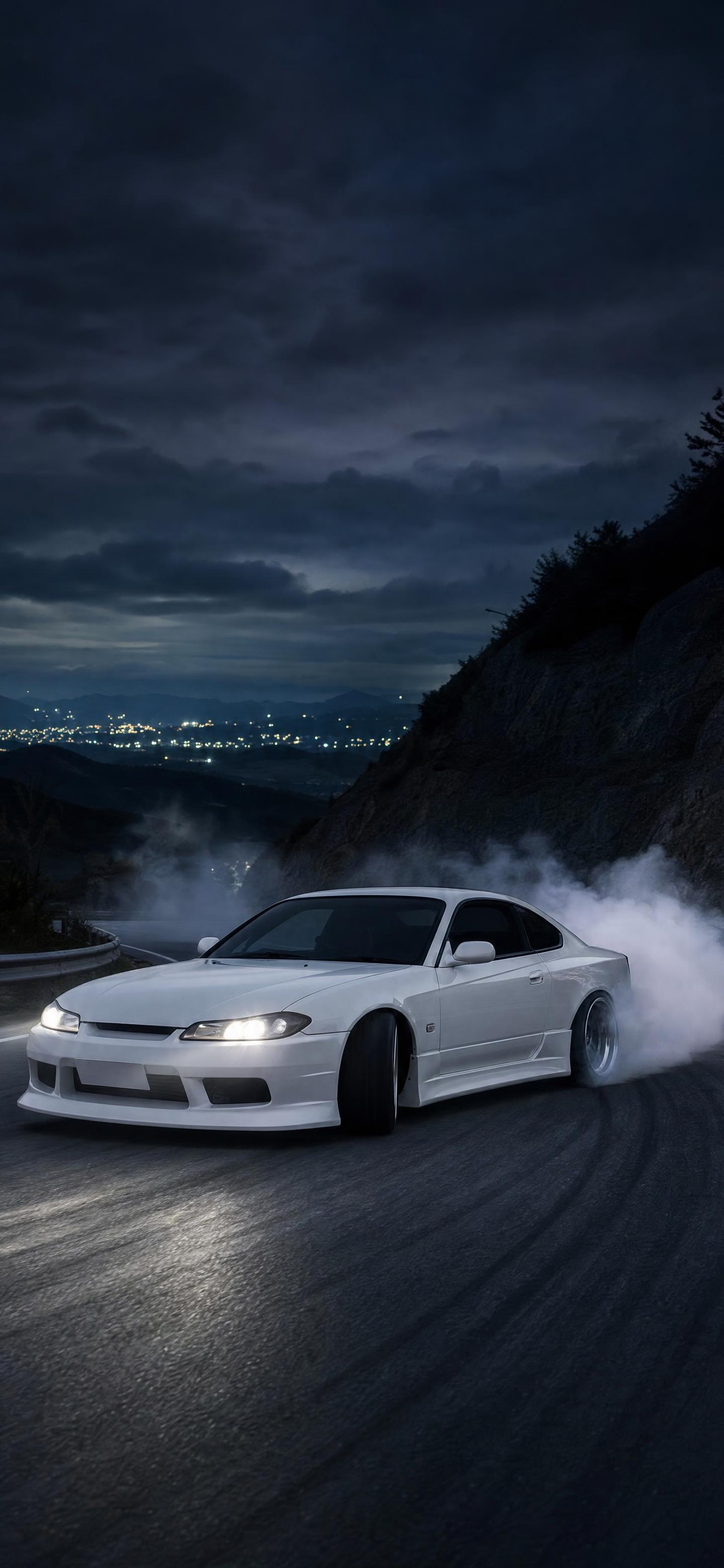
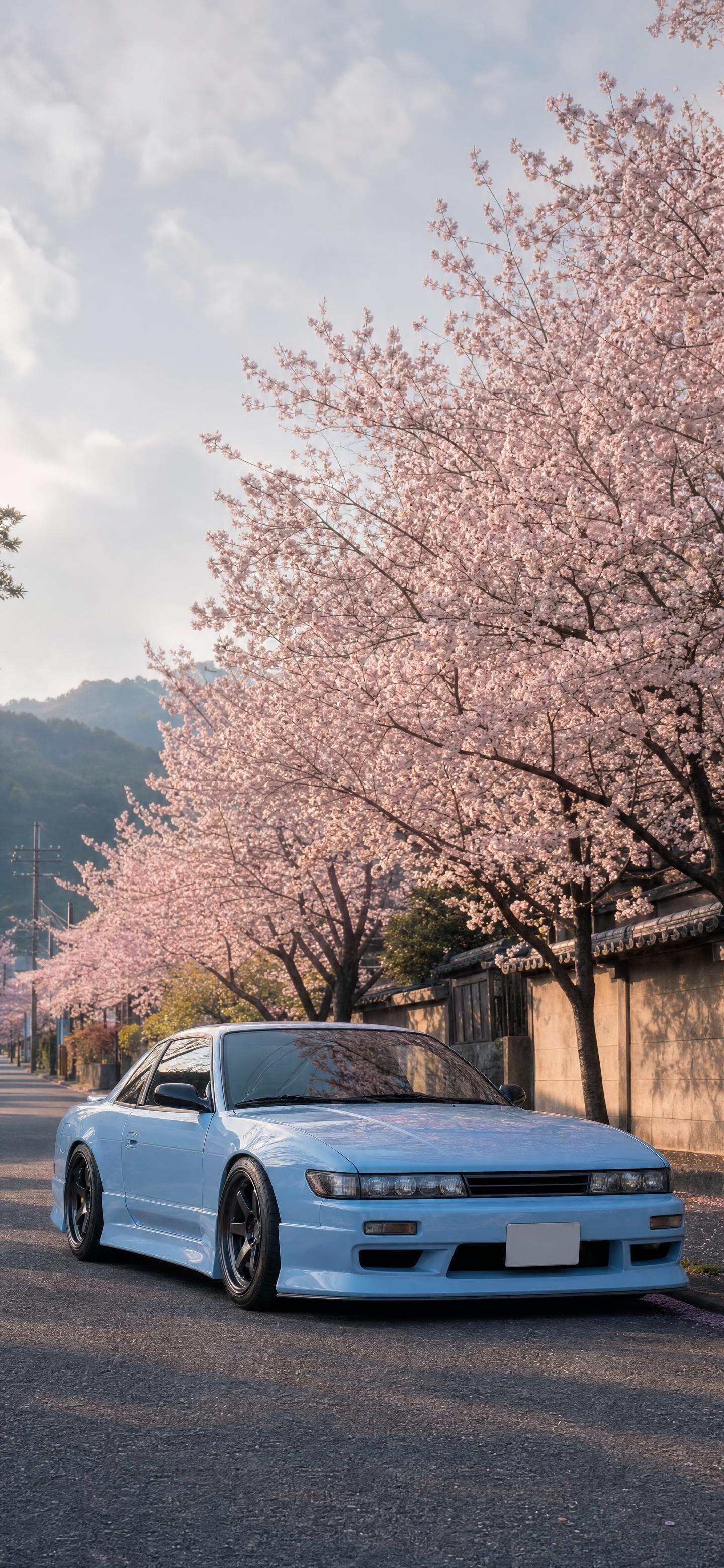
Background
About the Nissan Silvia
The S13 Silvia (1988–1993), S14 (1993–1998) and S15 (1999–2002) are light, rear-wheel-drive coupes, with turbocharged CA18DET and SR20DET engines in Japan. The 180SX hatchback shared the S13 chassis with pop-up headlights.
In the US the S13 and S14 were sold as the 240SX with a KA24 engine. The S15 never came here, and it's now becoming legal to import.
Want JDM art on your wall or your shirt? Browse our JDM wall art & posters. And if you’d rather park the real thing in your driveway, we source and find JDM cars weekly in Japan and ship them nationwide.
How to
Set it as your wallpaper
Windows
Download the 4K file, right-click it and choose “Set as desktop background”.
Mac
Download the file, then open System Settings › Wallpaper and add it, or right-click it in Finder and choose “Set Desktop Picture”.
iPhone & Android
Download a phone wallpaper, save it to Photos, then share it and choose “Use as Wallpaper”. Crop it square for a JDM pfp.