Subaru WRX Wallpapers (4K, Free)
4 desktop 4K · 2 phone · free
Free WRX and STI wallpapers in true 4K, with blue Imprezas on gold wheels kicking up gravel, sliding through snow and sitting under city neon.
Every Subaru wallpaper is an original image with no sponsor decals or watermarks, sized for desktop and phone.
Desktop · 3840 × 2160
Subaru WRX 4K desktop wallpapers
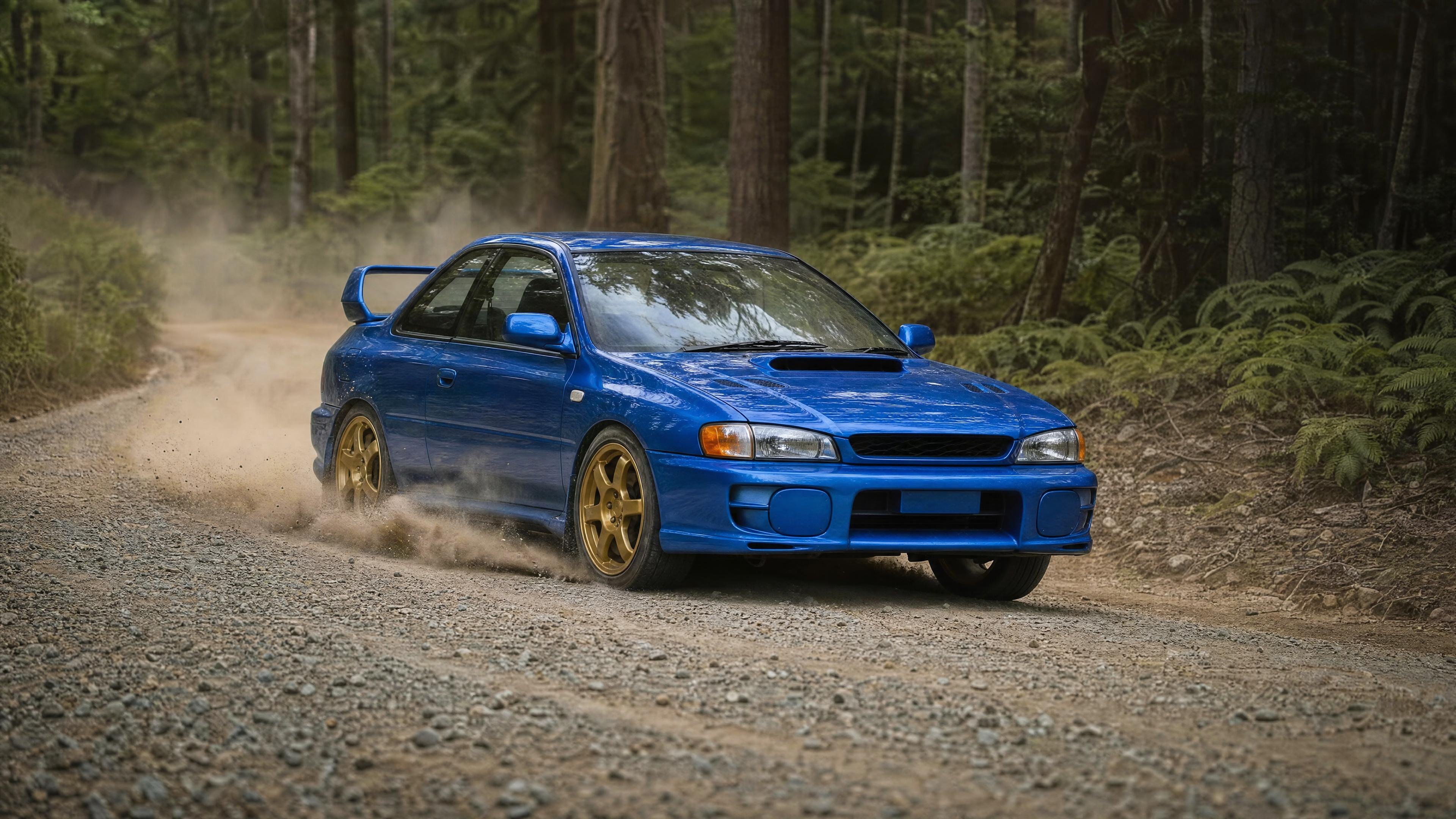
Blue Subaru Impreza WRX STI GC8 on a gravel forest road
3840 × 2160 · 4K · JPG · 1002 KB
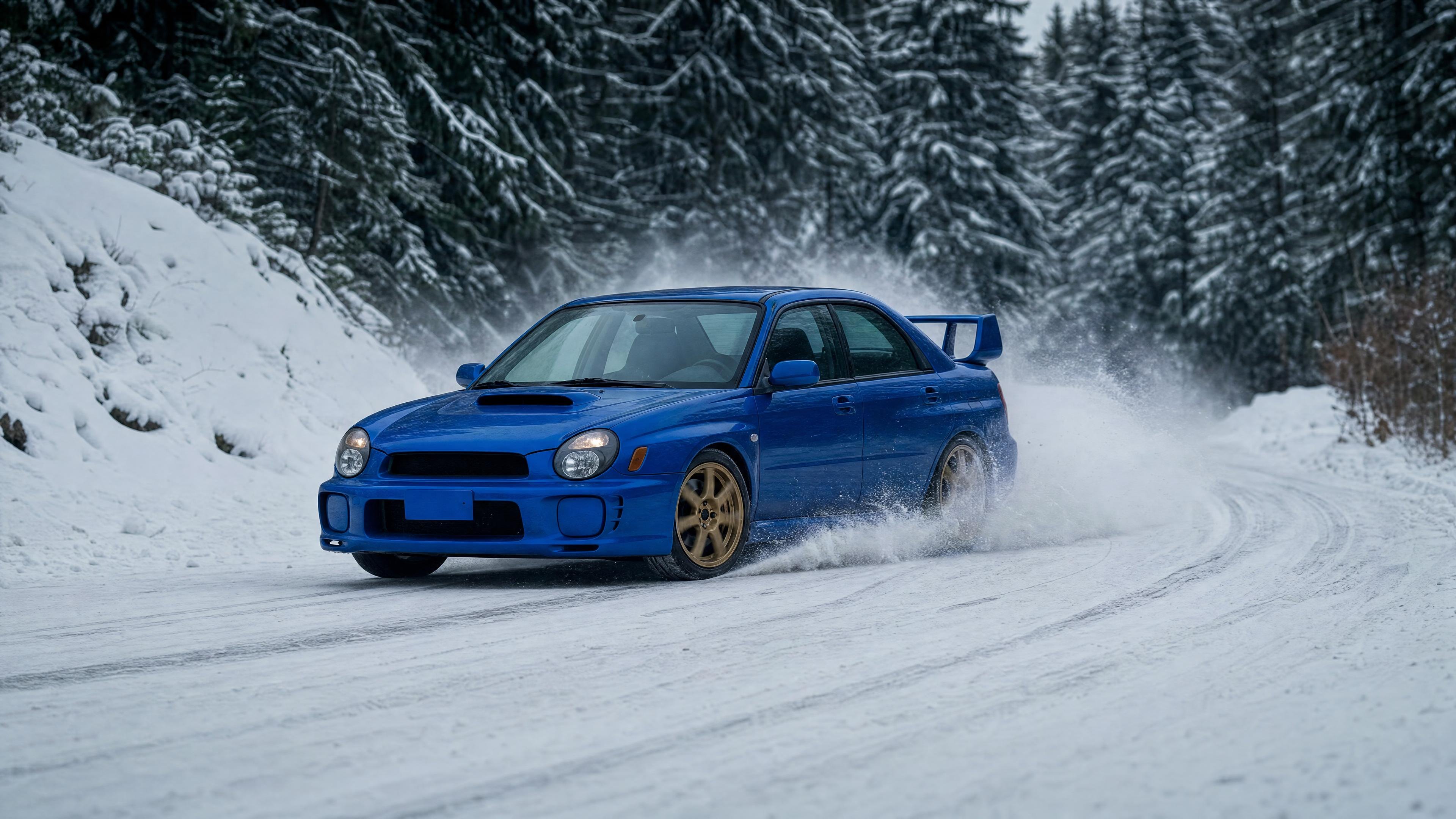
Blue Subaru WRX STI GDB in the snow
3840 × 2160 · 4K · JPG · 780 KB
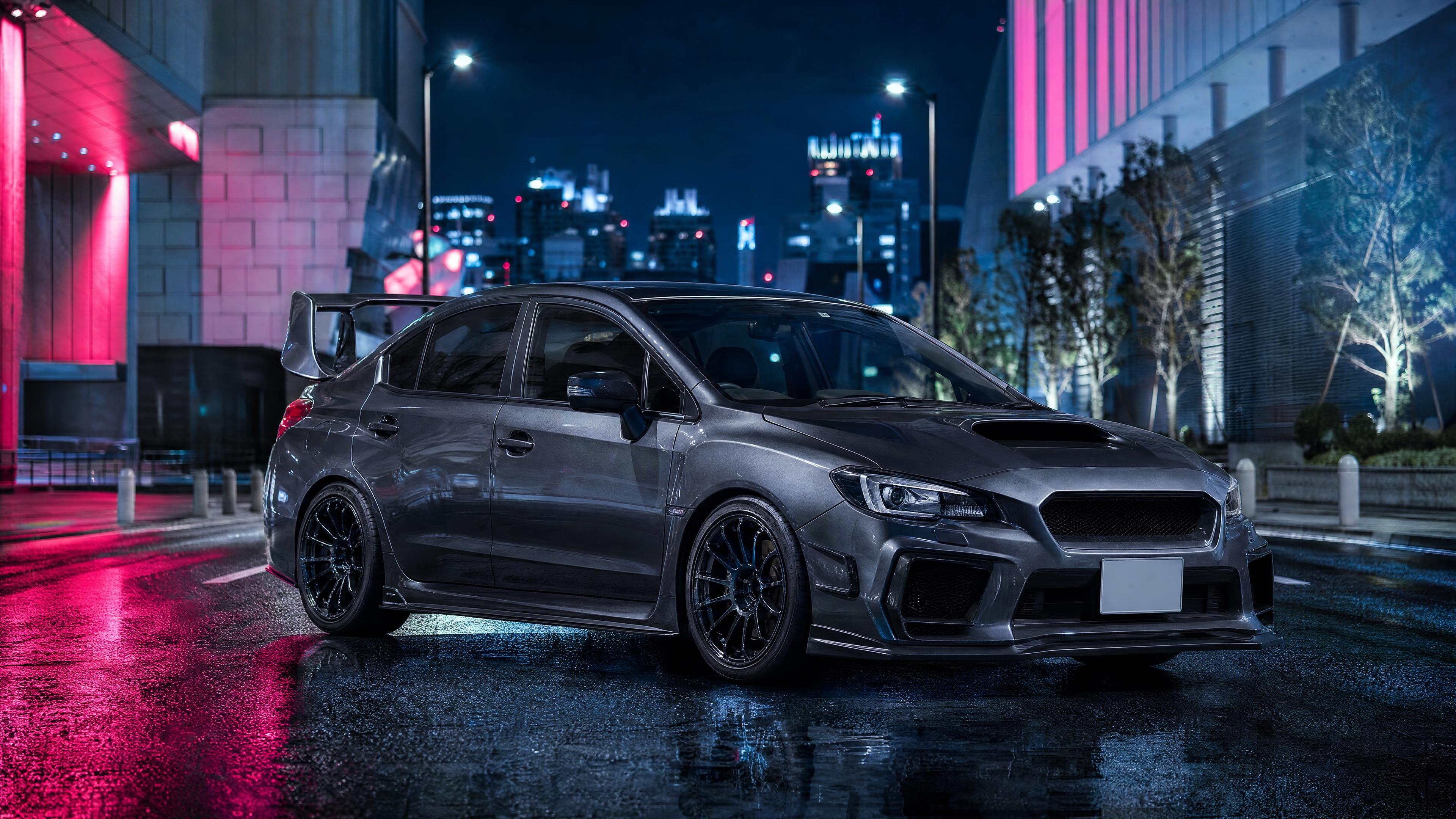
Grey Subaru WRX STI in a neon city at night
3840 × 2160 · 4K · JPG · 1.1 MB
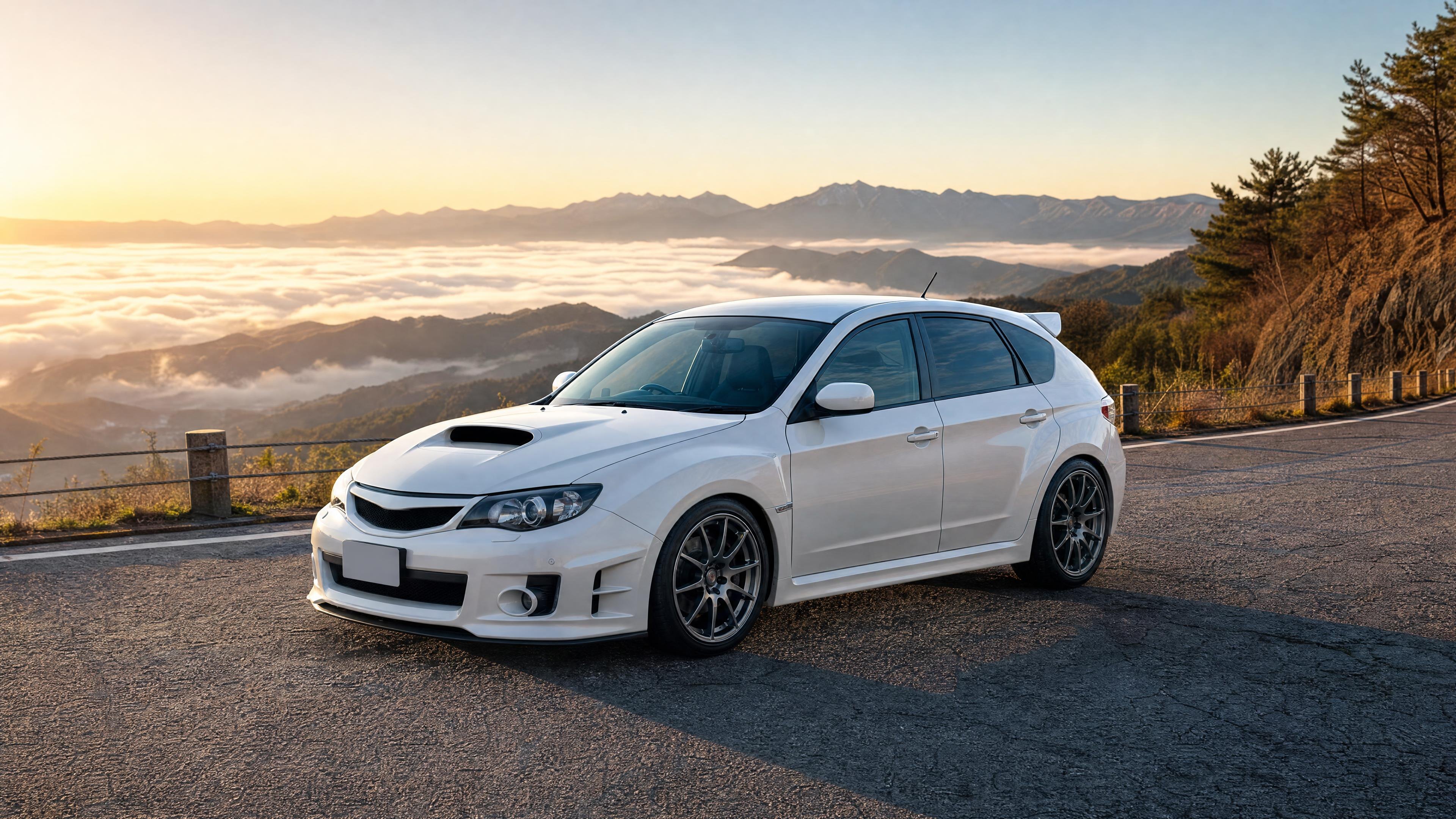
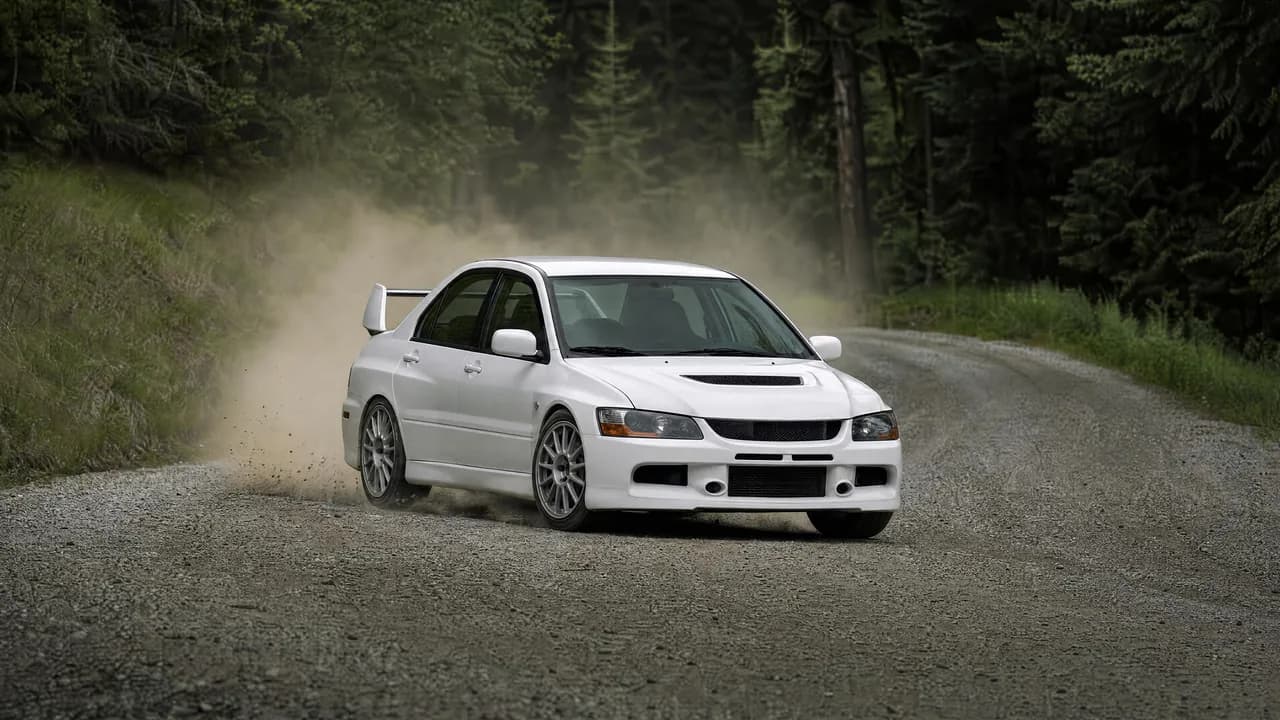
White Subaru WRX STI hatchback on a mountain pass
3840 × 2160 · 4K · JPG · 1.1 MB


Background
About the Subaru WRX STI
The Impreza WRX arrived in 1992, and the STI versions built on Subaru's World Rally program with the turbocharged EJ20 boxer and symmetrical all-wheel drive. Generations include the GC8 (1992–2000), GDB (2000–2007), GRB (2007–2014) and VA (2014–2021).
The GC8 STI and the two-door 22B were never sold in the US, which makes Japanese-market examples popular imports today.
Want JDM art on your wall or your shirt? Browse our JDM wall art & posters. And if you’d rather park the real thing in your driveway, we source and find JDM cars weekly in Japan and ship them nationwide.
How to
Set it as your wallpaper
Windows
Download the 4K file, right-click it and choose “Set as desktop background”.
Mac
Download the file, then open System Settings › Wallpaper and add it, or right-click it in Finder and choose “Set Desktop Picture”.
iPhone & Android
Download a phone wallpaper, save it to Photos, then share it and choose “Use as Wallpaper”. Crop it square for a JDM pfp.